12 Months
Annual subscription
- 50,000+ live channels
- 200,000+ movies & series
- Worldwide channel coverage
- 4K / FHD / HD quality
- All sports & PPV events
- Playback setup guidance
- EPG, catch-up & custom channels
- Instant activation, all devices & 24/7 help
TREX IPTV subscription service
Watch 50,000+ live TV channels, 200,000+ movies and series on demand, and every major sports league in 4K Ultra HD. TREX IPTV works on any device—no contract, no cable box, and instant activation in under 2 minutes.
Flexible subscription terms
Select one to four devices, then compare monthly through annual options. Swipe across the cards on mobile.
Prices currently displayed for 1 Device
Annual subscription
Semi-annual subscription
Quarterly subscription
Monthly subscription
Engineered for everyday streaming
TREX IPTV combines flexible access, broad device compatibility, fast setup, and responsive help in one simple subscription.
Explore sports, news, entertainment, and international categories in one compatible player.
Find on-demand entertainment for movie nights, box-set weekends, and everyday viewing.
Watch TREX IPTV on Firestick, Android TV, Samsung, LG, Apple devices, Windows, and Mac.
Receive access details and follow a clear setup path designed for your device.
Follow major sporting events and international entertainment from one organized interface.
Get practical setup help, playback guidance, and clear answers before and after activation.
Global infrastructure
Regional server locations across North America, Europe, and Asia-Pacific keep the TREX IPTV network closer to viewers around the world.
Drag the globe to explore the network
Entertainment library
Browse a broad mix of live and on-demand entertainment. Drag either row, then let go and it keeps moving.


How TREX IPTV works
Choose a subscription, receive your private access details, and follow the setup guide for your device.
Pick 1, 3, 6, or 12 months and choose the number of devices you want to use.
Your private login details are sent as soon as your order and payment are confirmed.
Install a recommended IPTV player with our setup guide, sign in, and start watching.
Broad compatibility
Choose a platform to open its complete setup and troubleshooting guide.
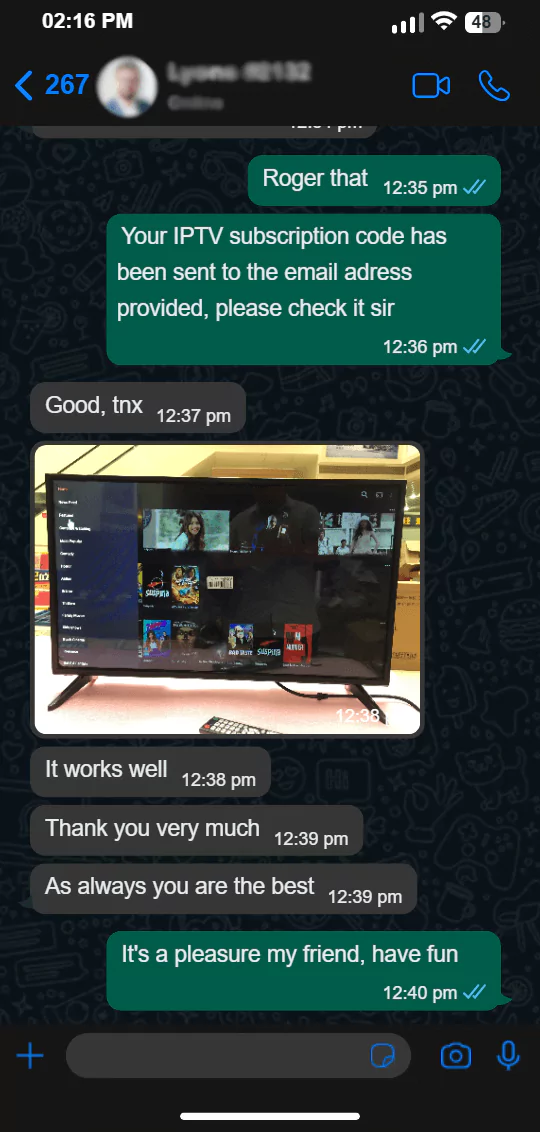
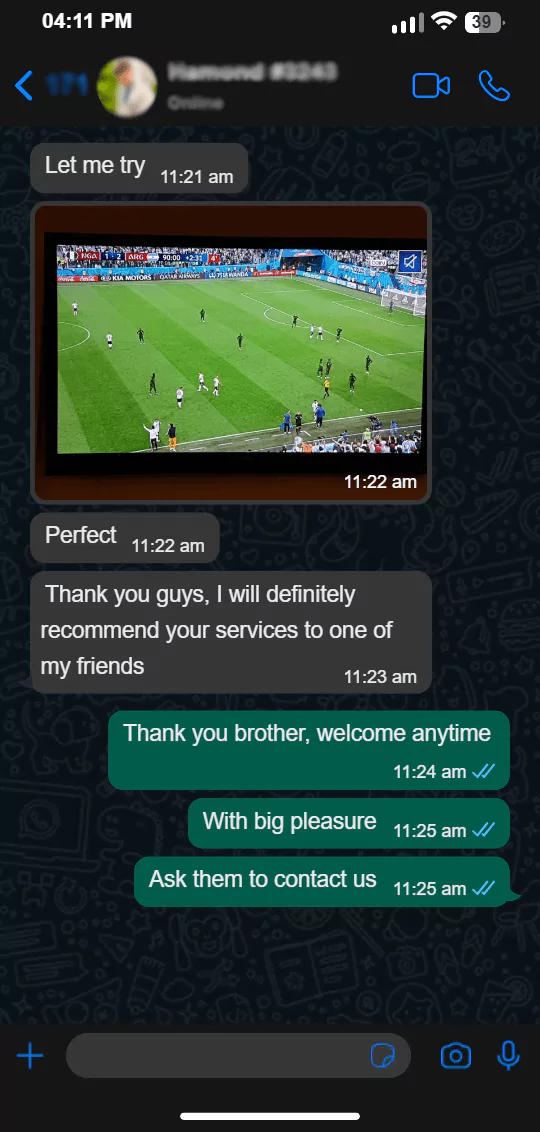
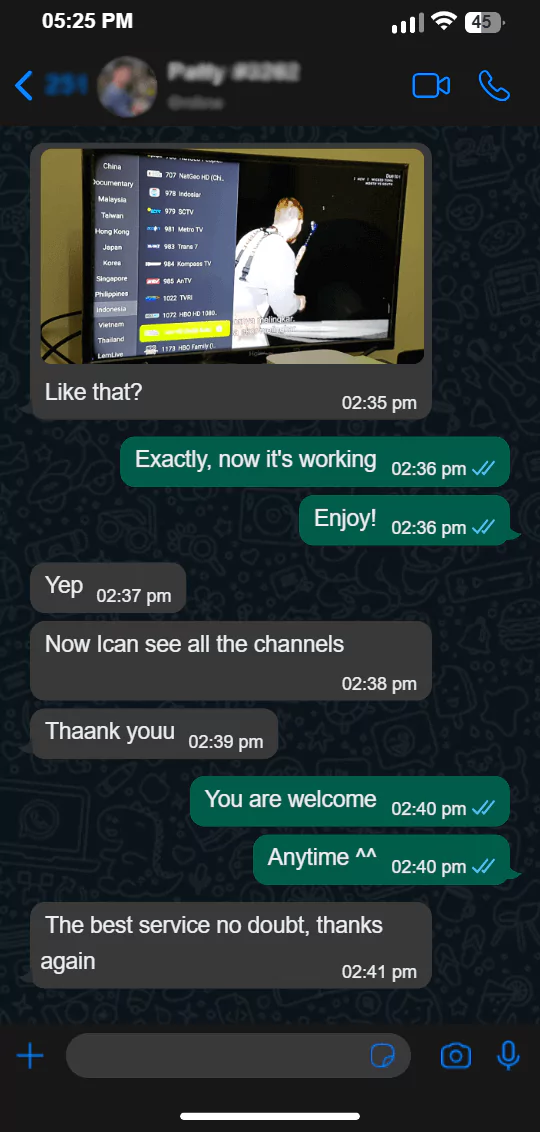
Customer testimonials
Technical overview
IPTV delivers live and on-demand video over an IP network rather than a traditional aerial, satellite feed, or cable line. A compatible player reads account or playlist information and displays the available categories.
Setup library
Open a focused walkthrough for the screen you already own.
Fire TV StickAndroid TVSamsung Smart TVLG Smart TVApple TViPhone & iPadChoose your TREX IPTV plan with a clear refund window and support for setup questions.
Help before and after setup
Clear answers about devices, credentials, speed, players, plans, and troubleshooting.
TREX IPTV is a subscription service intended for watching authorized live and on-demand streams through compatible IPTV player apps. The exact catalog, connection allowance, pricing, and regional availability should be confirmed before ordering.
Common options include Fire TV, Android TV, Samsung and LG smart TVs, Apple TV, iPhone, iPad, Windows, Mac, and supported MAG boxes. App availability varies by device model and region.
Most player apps use either an M3U playlist URL or Xtream-style server URL, username, and password. Keep credentials private and enter them exactly as supplied.
A stable connection matters more than headline speed. As a practical starting point, allow about 10 Mbps for HD and 25 Mbps for 4K per active stream, with extra capacity for other household traffic.
The service and the player are separate. You may need a compatible third-party player from your device’s official app store. Any player fees are normally paid to that app’s developer.
Yes. TREX IPTV orders include a 14-day money-back guarantee. Review the refund policy for eligibility details and contact support within 14 calendar days of purchase.

Next step
Choose the plan that fits your devices, receive your access details, and follow our simple setup guide.